
Building a Powerful Portfolio Site with Wix: Features for Booking Services, Blogging, and CMS Integration
- May 21
- 3 min read
Creating a portfolio website that stands out is essential for professionals, creatives, and freelancers who want to showcase their work and connect with clients. Wix offers a versatile platform that combines design flexibility with powerful features. This post explores how to build a portfolio site using Wix, focusing on key functions like booking services, blogging, and content management system (CMS) integration. These tools help you create a site that not only looks great but also supports your business goals.
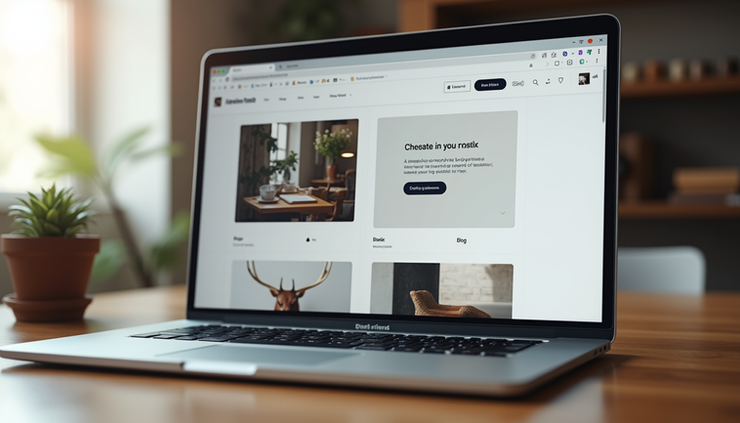
Designing Your Portfolio Site with Wix
Wix provides a drag-and-drop editor that makes building a portfolio site accessible, even without coding skills. You can start with a template designed specifically for portfolios or create your own layout from scratch. The editor allows you to:
Add galleries to showcase images, videos, or projects
Customize fonts, colors, and backgrounds to match your style
Include sections like About Me, Services, and Testimonials
Using Wix’s design tools, you can create a clean, professional look that highlights your work clearly. For example, photographers can use grid galleries to display photos, while designers might prefer a slideshow or interactive portfolio.
Booking Services to Manage Client Appointments
One of Wix’s standout features is the Wix Bookings app, which lets visitors schedule appointments directly on your site. This is especially useful for freelancers, consultants, or creatives who offer services by appointment.
Key features of Wix Bookings include:
Customizable service listings with descriptions, prices, and durations
Calendar integration to avoid double bookings
Automated email reminders for clients and site owners
Payment options through Wix Payments or other gateways
For instance, a graphic designer can list different design packages, allowing clients to book consultations or project sessions online. This reduces back-and-forth emails and streamlines client management.
Blogging to Share Insights and Updates
Adding a blog to your portfolio site helps you engage visitors and improve your site’s search engine visibility. Wix’s blogging platform is easy to use and integrates seamlessly with your portfolio.
Benefits of Wix blogging include:
Simple post creation with text, images, videos, and links
Categories and tags to organize content
Comment sections to encourage interaction
SEO tools to optimize posts for search engines
A photographer might use the blog to share behind-the-scenes stories, tips on photography, or recent projects. This builds trust with potential clients and keeps your site content fresh.
Using Wix CMS to Manage Dynamic Content
Wix’s Content Management System (CMS) allows you to create and manage collections of content that update your site dynamically. This is ideal for portfolios with many projects or services that change frequently.
How Wix CMS works:
Create content collections (e.g., projects, client testimonials, products)
Design dynamic pages that pull data from collections
Update content in one place, automatically reflected across the site
For example, an artist can maintain a collection of artworks with details like title, medium, and year. The portfolio page then displays this content dynamically, making updates quick and consistent.
Integrating Features for a Seamless Experience
Combining booking, blogging, and CMS features creates a powerful portfolio site that serves multiple purposes:
Visitors can explore your work through dynamic galleries
Clients can book services without leaving the site
You can share updates and insights through your blog
Wix also supports additional apps and integrations, such as contact forms, social media feeds, and email marketing tools, to enhance your site’s functionality.
Tips for Building an Effective Portfolio Site on Wix
Keep navigation simple so visitors find information quickly
Use high-quality images to showcase your work professionally
Write clear service descriptions and calls to action for bookings
Regularly update your blog to attract repeat visitors
Test your site on mobile devices to ensure responsiveness


Comments